Table of Content
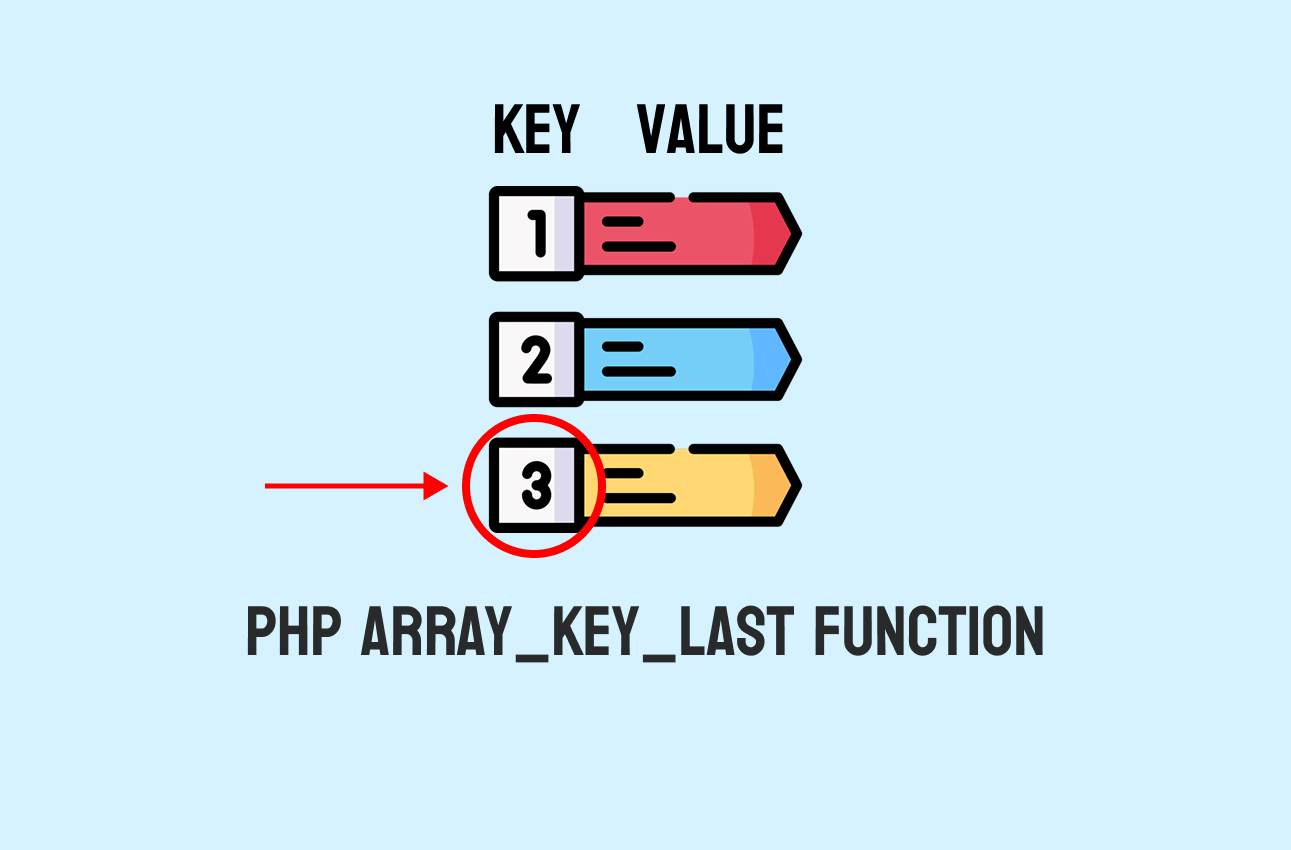
The array_key_last gives you the last key in an array and works with numeric and associative arrays in PHP. It also returns null for an empty array.
Syntax of array_key_last in PHP
The array_key_last function returns the key of the last item in an array.
It helps you know which key appears at the end of the array.
array_key_last($array);This shows the form of the function. It takes one array as input and returns the last key.
Here is an example:
$values = [10, 20, 30];
echo array_key_last($values); // Output: 2
This example shows how the function reads the last key from the given array.
Use the array_key_last with numeric arrays in PHP
The function reads the last index from a numeric array and returns it as an integer. It can help you know the last position before you add or remove an element.
Here is an example:
$numbers = [5, 9, 15, 22];
$lastKey = array_key_last($numbers);
echo $lastKey; // Output: 3
This returns the last index, which is three because the array starts from zero.
Use the array_key_last with associative arrays
The function also reads the last key from an associative array and returns it as a string. It can help you work with named keys and not only numbers.
For example:
$user = ['name' => 'Sara', 'age' => 25, 'city' => 'Riyadh'];
echo array_key_last($user); // Output: city
This code shows how the function returns the last named key from an associative array.
Handling empty arrays with array_key_last
The function returns null when the array has no items at all. This can help you test the array state before you use the key.
For example:
$empty = [];
var_dump(array_key_last($empty)); // Output: NULL
This code shows how null appears when the array has no items.
Comparison with array_key_first
array_key_last gives the last key in an array but array_key_first gives the first key. You can use one to know the first item and the other for the last item.
| Function | Purpose |
|---|---|
| array_key_first | Returns the first key of an array |
| array_key_last | Returns the last key of an array |
This table shows the key difference between the two functions in PHP.
Examples of the array_key_last Function in PHP
Find the last key of a large numeric array:
$data = range(1, 100);
echo array_key_last($data); // Output: 99
This example creates a numeric array with one hundred items and returns the last index of that array.
Track the last entry in a user record:
$record = ['id' => 15, 'name' => 'Ali', 'role' => 'Admin', 'status' => 'Active'];
echo array_key_last($record); // Output: status
This example returns the last key from an associative array which can help track the most recent field.
Check the last item before inserting a new element:
$list = [2, 4, 6, 8];
$lastKey = array_key_last($list);
echo $lastKey; // Output: 3
This example reads the last key from a numeric array so you can add the next element after it.
Handle empty arrays safely:
$arr = [];
$key = array_key_last($arr);
var_dump($key); // Output: NULL
This example shows how to test an empty array because the function returns null in that case.
Wrapping Up
You learned how array_key_last works with numeric arrays and associative arrays and how it handles empty arrays.
Here is a quick recap:
- It returns the last key of any array or null if the array has no items.
- It also works with both numbers and strings.
FAQs
What does PHP array_key_last do?
<?php
$data = ["apple" => 1, "orange" => 2, "banana" => 3];
echo array_key_last($data);
// Output: banana
?>
How to use array_key_last with numeric arrays in PHP?
<?php
$numbers = [10, 20, 30, 40];
echo array_key_last($numbers);
// Output: 3
?>
What happens when array_key_last is used on an empty array?
NULL.
<?php
$empty = [];
var_dump(array_key_last($empty));
// Output: NULL
?>
How is array_key_last different from array_key_first?
- array_key_last gives the last key of an array.
- array_key_first gives the first key of an array.
<?php
$data = ["a" => 100, "b" => 200];
echo array_key_first($data); // Output: a
echo array_key_last($data);  // Output: b
?>
Similar Reads
One of the important tasks is retrieving documents from a collection. MongoDB help us to make this process, but understanding…
In this tutorial, we will explore a form of superglobal variable in PHP: $_ENV, which symbolizes how PHP reaches for…
The PHP operator precedence refers to when doing a calculation for three or more numbers, they are calculating its values…
You may need to get part of a text when you work with text in PHP. The mb_substr gives you…
The PHP named arguments are the names of the arguments through which the values are passed, allowing you to add…
The anonymous function in PHP lets you define a small task that doesn’t require a function name. Understand the Anonymous…
PHP array_unshift helps you add new elements to appear before the existing ones. Understand the array_unshift function in PHP The…
PHP array_intersect_assoc compares values and keys in arrays. It returns matches with the same key and value from all arrays…
The first appearance of PHP iterable was in PHP version ( 7.1 ) – Iterables are a powerful feature in…
The PHP OR operator has two renditions: either || or or. Both of these are useful logical operators when you want to introduce…