Table of Content
PHP offers four main functions to include files: require, require_once, include, and include_once. Each one gives you a similar purpose but behaves differently when it handles the missing files or repeated inclusions.
What Is File Inclusion in PHP?
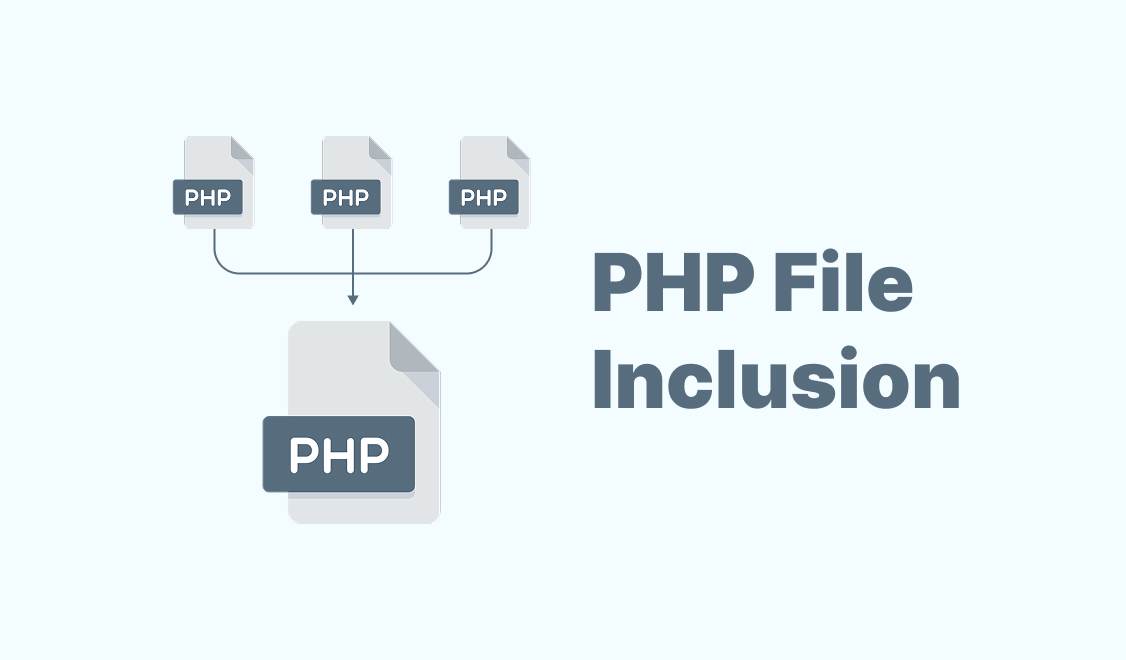
File inclusion in PHP means you insert the content of one PHP file into another. It lets you reuse code like:
- Headers
- Footers
- Functions
- Configuration settings
All of them are across multiple pages.
You don’t need to copy the same code into every file you can write it once and include it wherever needed.
PHP gives you four types of file inclusion which are:
requireincluderequire_onceinclude_once
Here’s how each one works in detail:
PHP require Statement
The require statement includes and runs the content of another PHP file. If the file is missing or has an error, PHP stops the script and shows a fatal error.
Use require when the file is essential for your code to run. For example, if you need a config file or a file that defines key functions, use require to make sure the script doesn’t continue without it.
For example:
require 'config.php';

echo "This will run only if config.php is found.";
If config.php doesn’t exist, PHP throws a fatal error and stops the script immediately.
PHP include Statement
The include statement adds and runs the content of another PHP file, just like require. PHP shows a warning but still runs the script if the file doesn’t exist.
Use include when the file is helpful but not critical. This works well for optional content like ads or widgets.
For example:
include 'sidebar.php';

echo "This will run even if sidebar.php is missing.";
PHP shows a warning but still runs the rest of the script if sidebar.php doesn’t exist.
PHP require_once Statement
The require_once statement includes a file only once, even if it’s called multiple times in the code. PHP skips it if the file has already been included.
Like require, it causes a fatal error if the file is missing. Use require_once when the file is essential and must not be included more than once, such as class definitions or config files.
Example:
require_once 'config.php';
require_once 'config.php'; // This will be ignored

echo "config.php loaded only once.";
This prevents redeclaration errors and keeps your code safe from loading the same file twice.
PHP include_once Statement
The include_once statement works like include, but it ensures the file is included only once. If the file has already been included, PHP ignores subsequent include_once calls.
Use include_once when the file is not critical but should only be included once, such as when it includes a library or a configuration file.
Example:
include_once 'functions.php';
include_once 'functions.php'; // This will be ignored

echo "functions.php loaded only once.";
Like require_once, include_once helps avoid errors like redeclaring functions or classes.
The Differences Between require and include
While both require and include serve the same basic purpose—loading external files—they handle errors differently.
- Error Handling:
requirecauses a fatal error and stops the script if the file is missing or cannot be loaded.includeonly triggers a warning but allows the script to continue running.
- Use Case:
- Use
requirefor files that are essential to the execution of the script, like configuration files or core functionality. - Use
includefor optional files, where missing content won’t break the script, such as adding a footer or sidebar.
- Use
Example:
// The require (fatal error if file is missing)
require 'essential.php'; // If missing, script stops

// The include (warning, script continues)
include 'optional.php';  // If missing, script continues
Wrapping Up
In this guide, you learned how PHP handles file inclusion within:
requirerequire_onceincludeinclude_once
You also explored their differences in behavior and error handling. Here’s a quick recap:
require: Includes a file and stops the script if the file is missing or contains an error. Use for essential files.include: Includes a file but allows the script to continue if the file is missing, It shows a warning instead of a fatal error. Use for non-critical files.require_once: Ensures a file is included only once, even if called multiple times. It’s useful for files like class definitions or configuration files.include_once: Similar toinclude, but ensures a file is included only once to avoid errors like redeclaring functions or classes.
FAQ’s
What is the difference between require and include in PHP?
- require: Includes a file and causes a fatal error if the file is missing, halting script execution.
- include: Includes a file but only generates a warning if the file is missing, allowing the script to continue.
What does require_once do in PHP?
When should I use include_once?
Can I use require and include multiple times for the same file?
What happens if a file is missing when using include?
How does require_once differ from require?
Similar Reads
The PHP array_key_exists function checks a given key in an array and tells if that key exists or not. Understand…
Sorting data is one of those things we do all the time but rarely stop to think about. Whether you…
Inserting multiple data rows using PHP is a basic task. However when you start working with MySQL databases, So that…
The variable scope in PHP refers to the variables, functions, and classes that can be accessed within different parts of…
Abstract class in PHP appeared to provide a way to define a structure for related classes and don't allow direct…
The mb_strtolower() function in PHP turns every letter in a string into lowercase. It works with multibyte encodings like UTF-8.…
The function_exists() function in PHP checks whether a given function is defined or not. The function_exists() function works for both…
PHP supports OOP with access modifiers to prevent unintended changes and improve security. In this article, we will cover the…
When you first step into web development, one name seems to pop up everywhere: PHP. The PHP programming language has…
A loop in PHP helps you run tasks without repeating the same lines. In this article, you will learn how…